ON1 Photo RAW 2026 Launches with Enhanced AI Tools and Workflow Enhancements
| Shelf | Photo Techniques |
|---|---|
| Date in | |
| Readers | 676 |
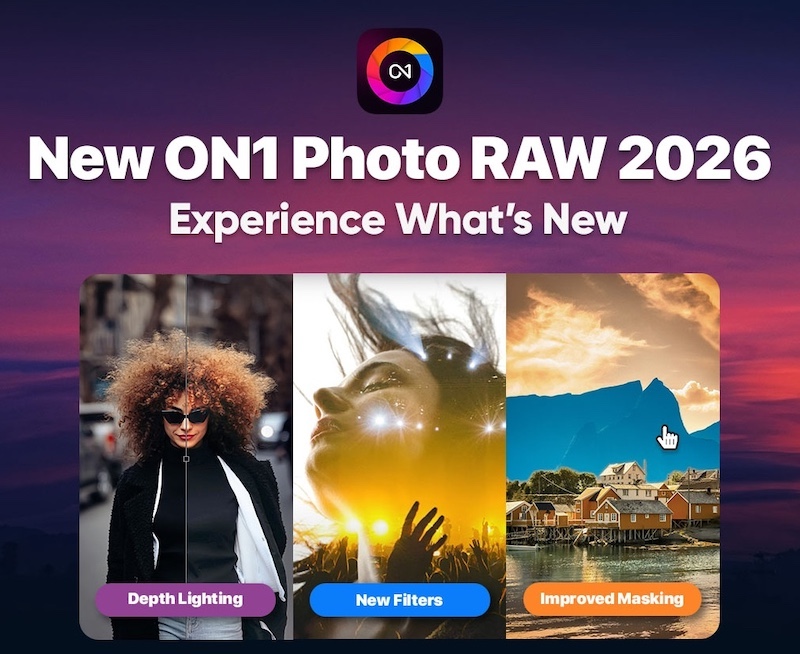
The recently launched ON1 Photo RAW 2026 features advanced AI tools and an intuitive interface, redefining photo editing experiences for users.
The release of ON1 Photo RAW 2026 marks an important milestone in the evolution of photo editing software. This update combines user-friendly design elements with powerful new features, aimed specifically at enthusiastic and professional photographers. The latest version emphasizes smarter workflows along with advanced AI capabilities, all aimed at making the editing process not just effective but also enjoyable.
New Features Overview
Right from the outset, users will notice a beautifully refined interface. This layout is designed to enhance usability through optimized access to tools, facilitating a more intuitive workflow. For enthusiasts, pre-set configurations can make complex editing feel more achievable. Here are some of the key improvements:
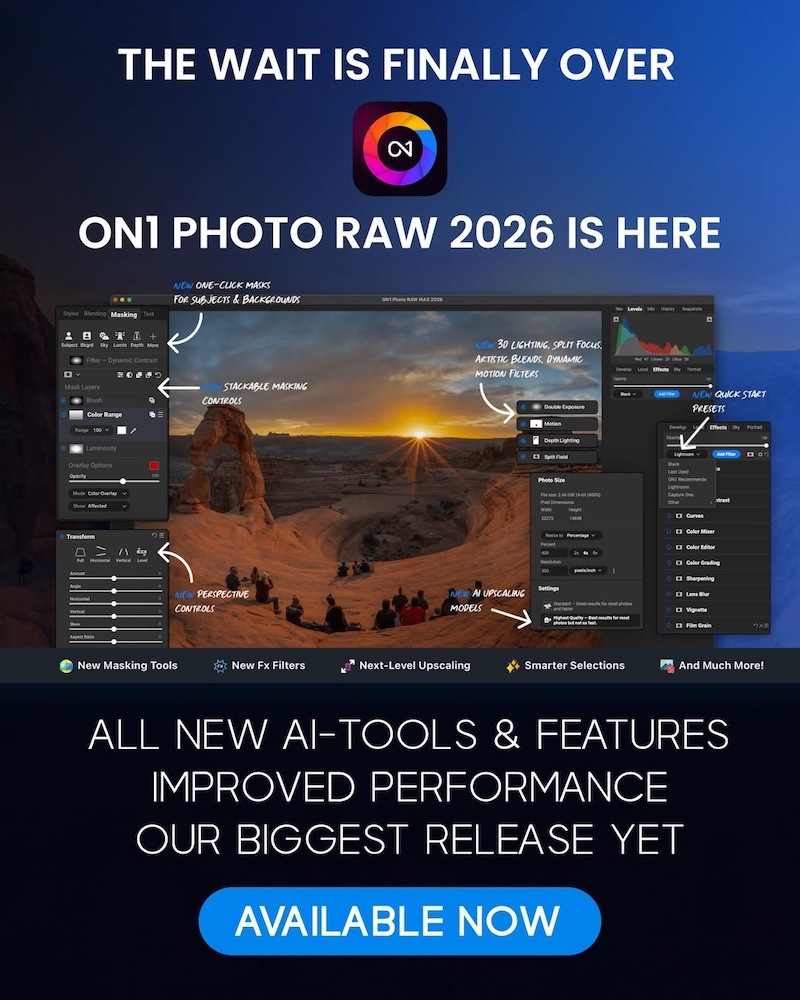
- AI Masking and Selection Tools: The enhanced AI-driven tools for masking and selection significantly reduce the manual effort required during editing. Traditional masking techniques can be tedious and time-consuming, but with these advancements, users can achieve detailed edits more efficiently. It’s a vital improvement for anyone seeking to refine their images with precision.
- Improved Raw Processing: The upgraded raw processing engine delivers remarkable image quality, ensuring that the details and depth in photographs are well preserved even during extensive editing. This becomes especially crucial for photographers who frequently work with RAW files, as it directly influences the final output quality.
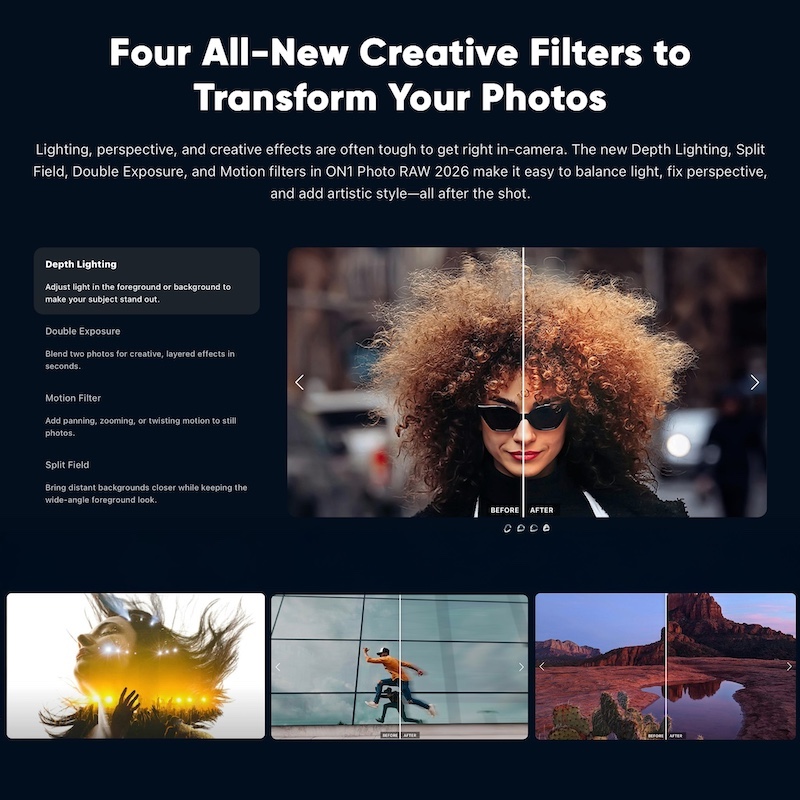
- New Double Exposure Filter: This feature allows photographers to create layered looks effortlessly, fostering an environment for artistic expression that’s accessible to those without extensive technical skills. The ability to blend images fluidly opens new avenues for creativity.
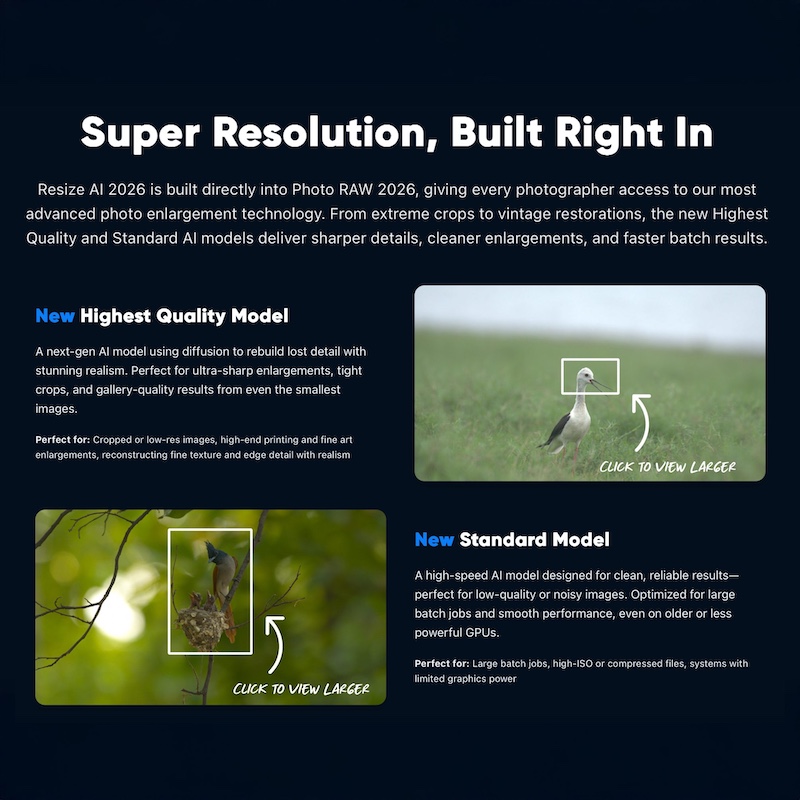
- Resize AI 2026: Advanced algorithms ensure that image quality remains sharp during enlargements. This is particularly important for those in need of prints or high-resolution displays, as often, resizing can lead to unsatisfactory results.
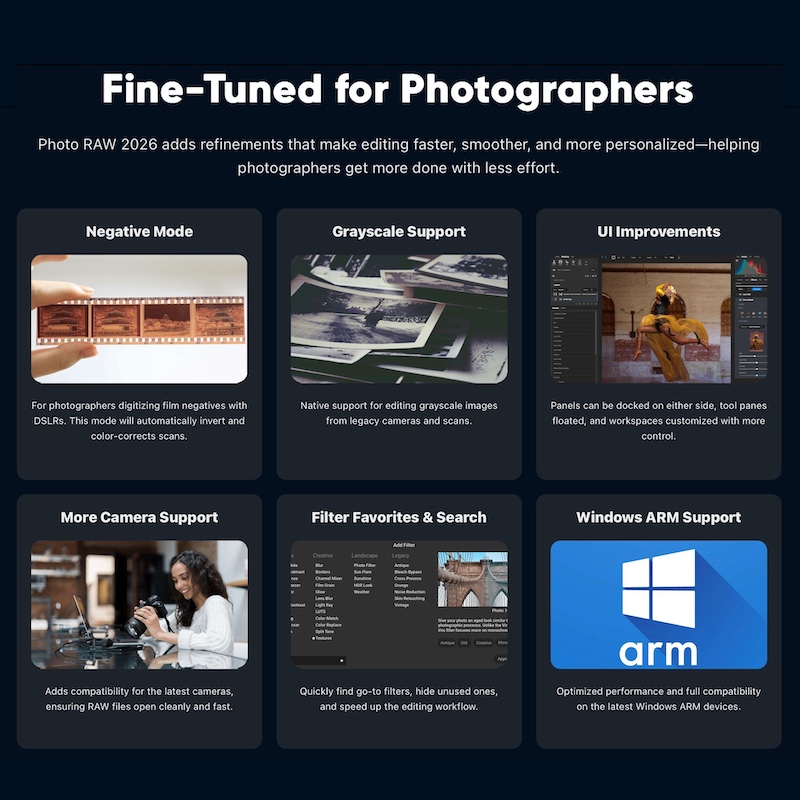
- Refined UI: A redesigned interface provides a more flexible workspace that boosts productivity with a streamlined panel for effects and presets. This helps both novice and experienced users focus on their creative work without unnecessary distractions.
- Advancements in Effects: The new version allows users to search for and store favorite filters much more easily. This is a practical enhancement that allows for greater creativity without excessive hassle, alongside the addition of four fresh creative filters for variety.
- Flexible Extraction Tools: Features like the negative mode for film scans, combined with improved grayscale support, enhance the creative options available to users who work with diverse media. It broadens the appeal of the software, accommodating different artistic approaches.
Workflow Improvements
One of the standout features in ON1 Photo RAW 2026 is its focus on enhancing workflows for both standalone use and as a plugin for industry standards like Lightroom and Photoshop. The choice of tools and integration points reflects an understanding of modern photography needs. Here's the thing: efficient workflows can save valuable time. This aspect becomes vital in a fast-paced environment where speed and precision are paramount.
The incorporation of Mask Layers greatly simplifies complex multi-layered editing. Photographers can now use one-click Subject and Background masks, which eliminates much of the labor involved in creating clean cuts. The ability to generate precise masks with such ease is a real boon, making high-quality editing more accessible to users across the skill spectrum.
Visual Effects and Creative Options
With a suite of stunning effects and portrait enhancements fueled by AI, ON1 continues to be a supportive ally to creative photographers chasing exceptional results. The built-in tools facilitate the application of professional-grade edits:
- Stunning Effects: The granular control over each effect, combined with new presets, ensures that users can build their desired look in a highly customized manner. This attention to detail resonates with photographers who want their edits to be unique and compelling.
- Creative Filters: The addition of four new creative filters expands the toolset available for enhancing images. This variety comes in handy, allowing users to experiment with stylistic choices without depending on separate software solutions for different effects.
Implications and Future Outlook
ON1 Photo RAW 2026 is more than a mere software update; it represents a shift in how photographers can plan their workflows and tackle editing tasks. This software is tailored to meet the evolving demands of the photographic community, and the introduction of smarter AI tools symbolizes a broader trend in the industry. Tools like these promise to not only streamline the editing process but to fundamentally alter the creative possibilities for their users.
If you're working in this space, keeping pace with these advancements will likely be advantageous. The improvements made in the AI capabilities are especially noteworthy, as they might change expectations around what editing software can accomplish. This can lead to shifts in how photographers approach their craft—prioritizing creativity over technique.
In summary, ON1 Photo RAW 2026 stands out as a potent addition to the photographer’s toolkit. With its smarter AI tools, advanced raw processing features, and a refined interface, it’s poised to assist users in creating breathtaking images while optimizing their editing workflows. Photographers focused on capturing everything from detailed portraits to expansive scenes will find this tool just as relevant as ever.
For pricing and availability, check the official [pricing page](https://on1.sjv.io/EarBeD).
To visualize the impressive capabilities of the software, explore the series of images below that showcase ON1 Photo RAW 2026 in action: