Essential Photo Sharpening Software for Enhancing Blurry Images
| Shelf | Photo Techniques |
|---|---|
| Date in | |
| Readers | 998 |
Discover the top photo sharpening software that can restore clarity to your blurry images, and learn effective processing techniques to enhance your workflow.
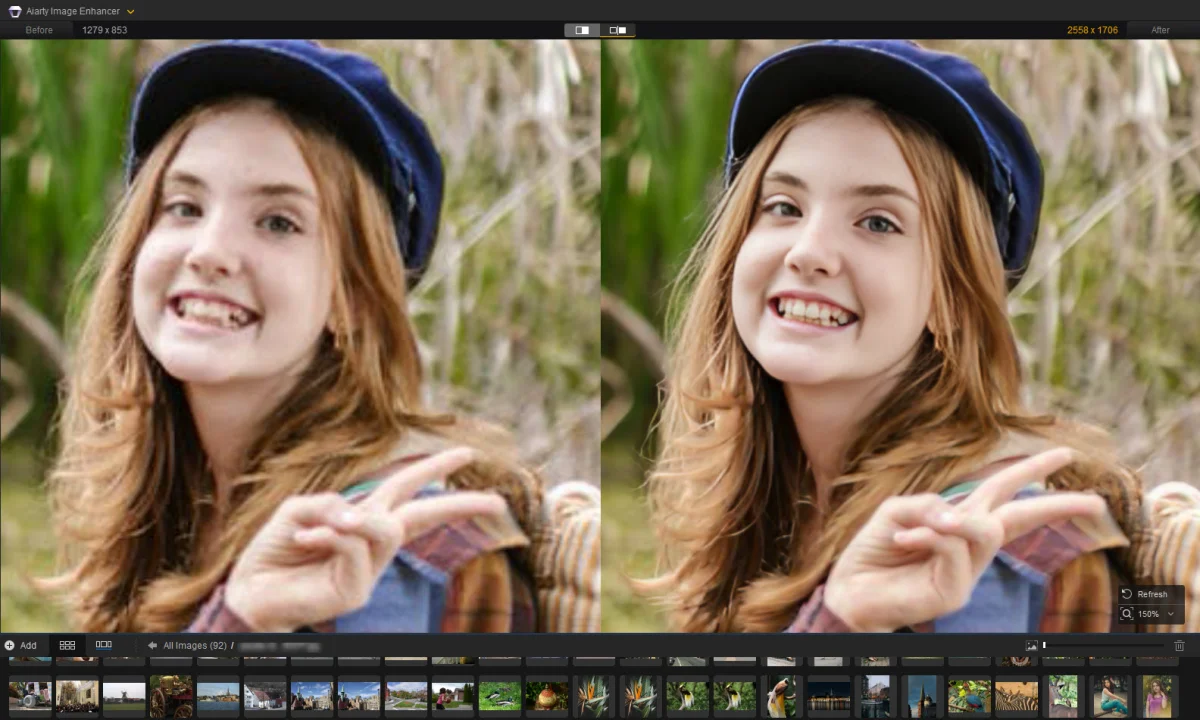
Blurry images can muddle your photographic efforts, often losing essential details and contrast along the edges. The right photo sharpening software can help revive soft photos, allowing for compelling enhancements without falling into the trap of an artificial or overly processed look. In this guide, we’ll explore six top photo sharpening software options and how they perform in real-world scenarios, along with practical tips to refine your image quality enhancement workflow.
Why Use Photo Sharpening Software?
Various situations arise where soft images demand improvement. Photo sharpening software can particularly help with:
- Enhancing edge contrast while minimizing unwanted halos.
- Refocusing slightly blurry subjects to restore clarity.
- Transforming soft RAW files into crisp images while reducing noise.
- Reviving old or poorly scanned images to modern clarity.
- Ensuring that large prints retain sharpness and detail.
In our evaluations, we focus on how effectively these tools maintain natural textures and details, providing comparisons that illustrate before-and-after improvements. Below, we delve into case studies showcasing the capabilities of these software options and explore their features, settings, and pricing.
Case Studies Using Aiarty Image Enhancer
Starting with Aiarty Image Enhancer, this tool is versatile, capable of tackling a range of image sharpness issues. It also provides free trials, allowing users to explore its features and workflows.
Fixing Blurry Portraits
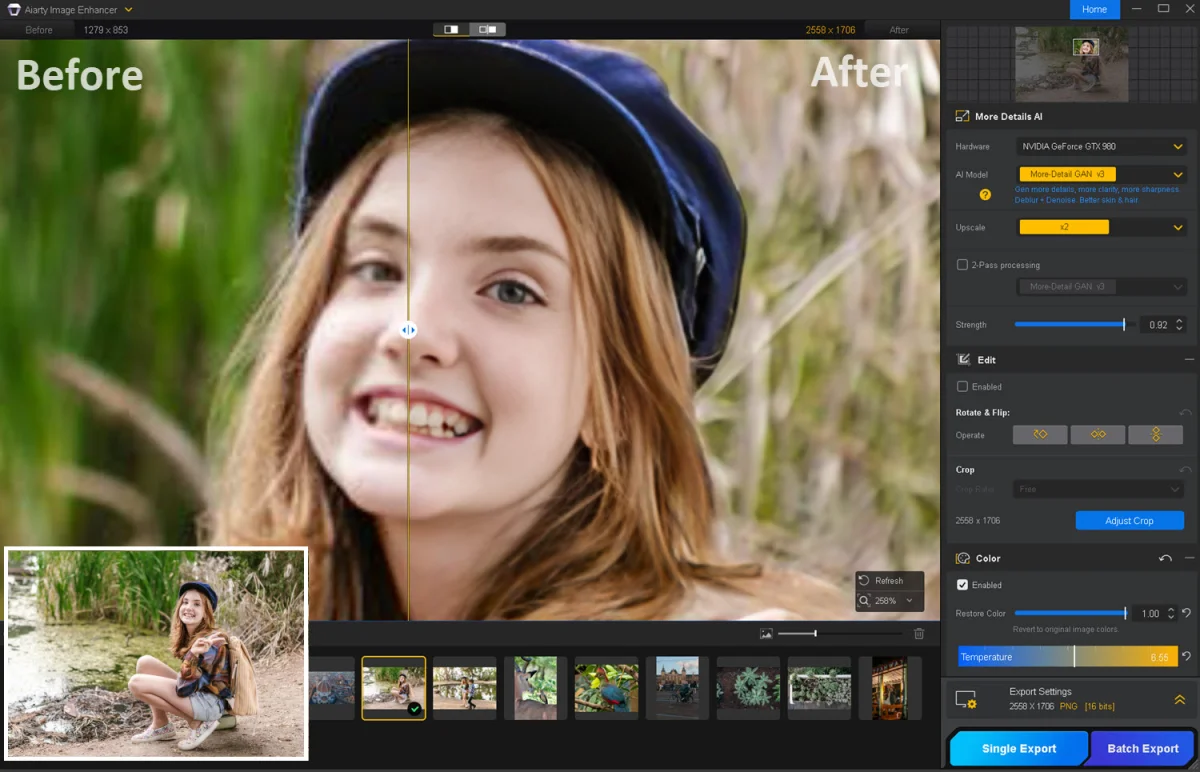
In scenarios involving older portraits or low-resolution archives, images often lack clarity, particularly around facial structures. For instance, through Aiarty, settings such as the "More-Detail" model with a strength of 0.92, including the Face Restoration option, can dramatically improve the definition of facial features.
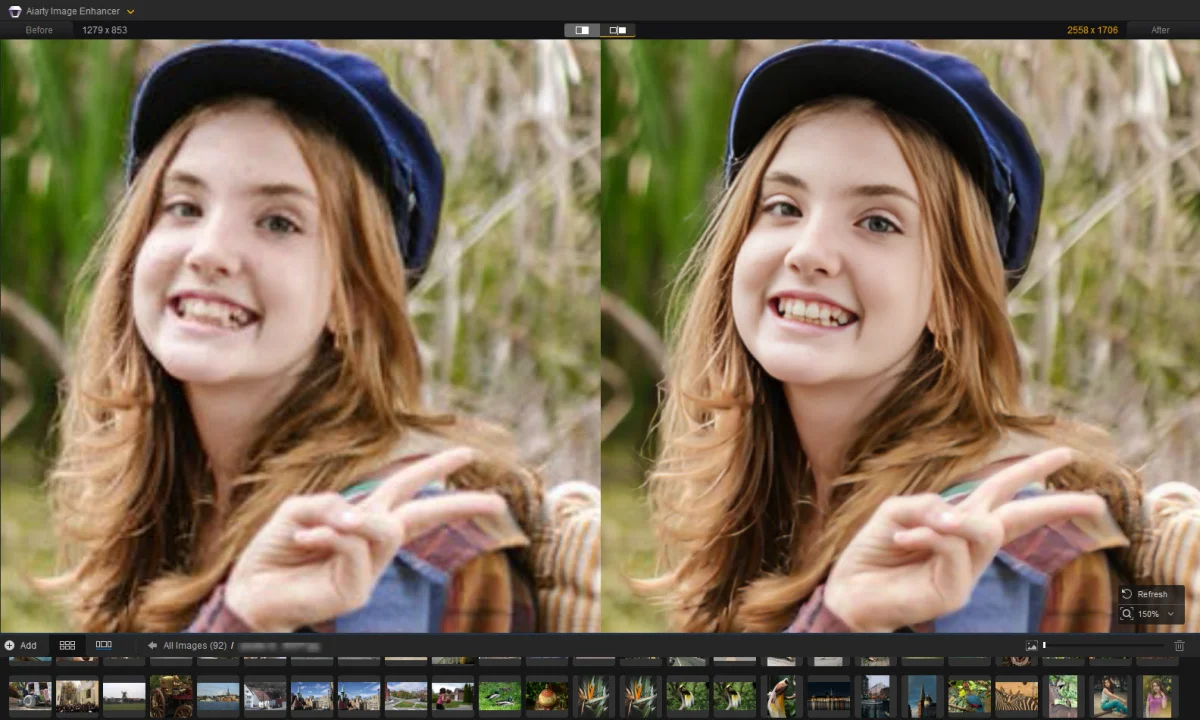
The AI model analyzes the image to auto-apply necessary noise reduction and sharpening, providing a significant enhancement while avoiding an over-processed appearance.
Enhancing Wildlife Photography
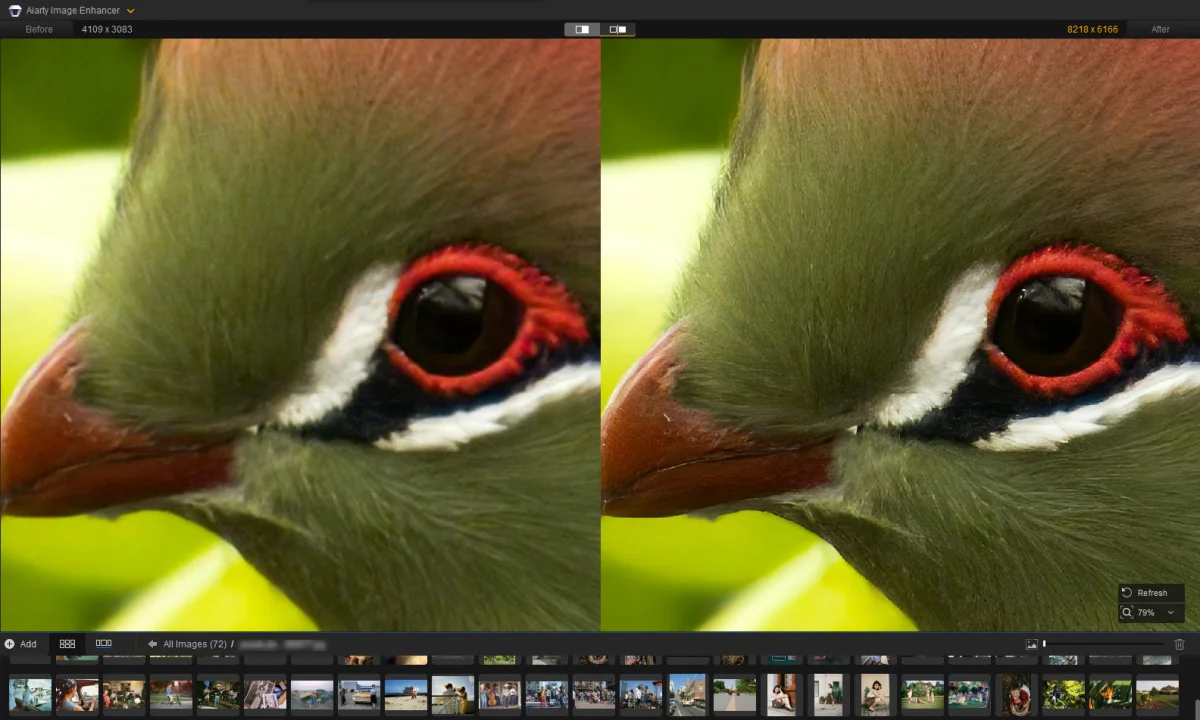
In wildlife photography, maintaining clarity is vital. In one test with a turaco photo, adjustments were made using the Real-Photo model, with a strength of 0.9 and 8K upscaling. This setting restored feather details and enhanced focus on the subject’s eye.
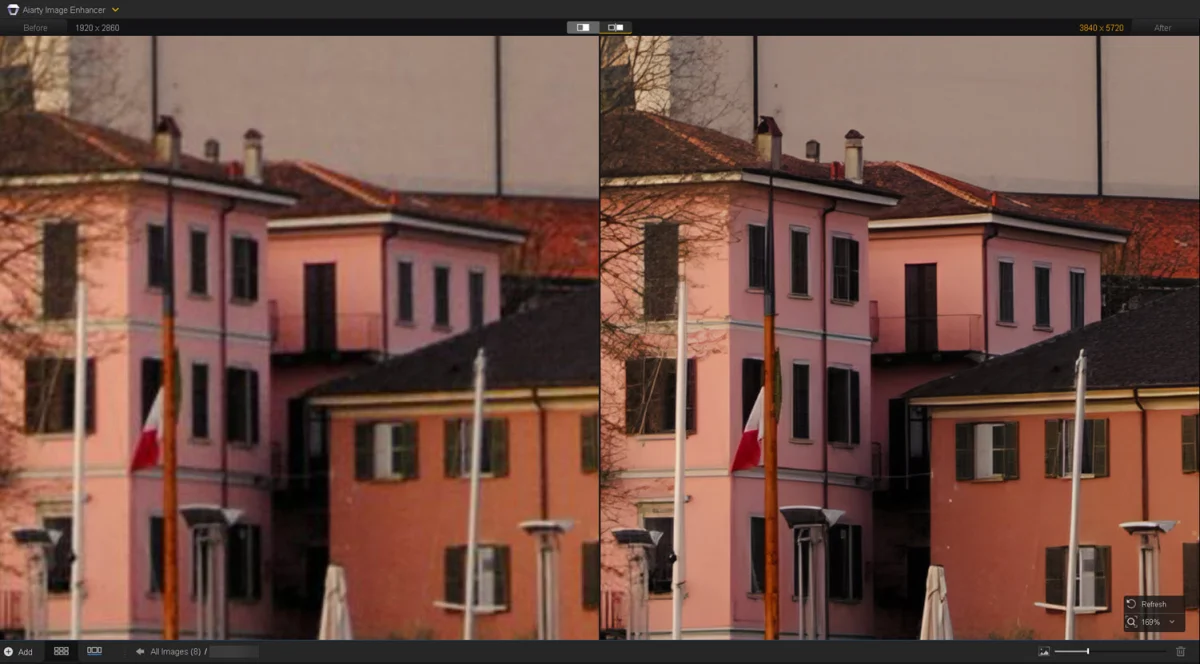
Sharpening Architectural Photography
For architectural images suffering from softness and compression artifacts, Aiarty’s settings can restore edge definition. Using a strength of 0.85 with dual scaling, the architectural lines regained clarity, revealing structured details without introducing harmful artifacts.
Preparing Images for Large Format Prints
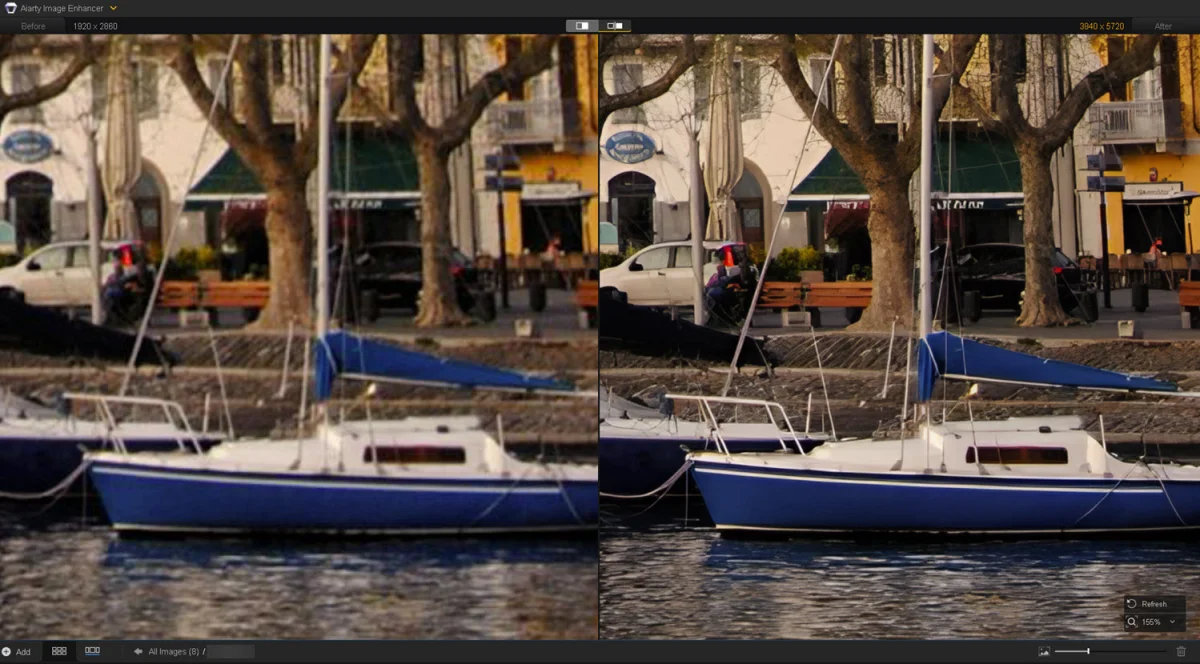
When preparing images for printing, Aiarty allows for upscaling without sacrificing quality. With options to upscale by x2, x4, or above, it maintains resolution and detail integrity, crucial for large prints.
Transforming Soft RAW Files
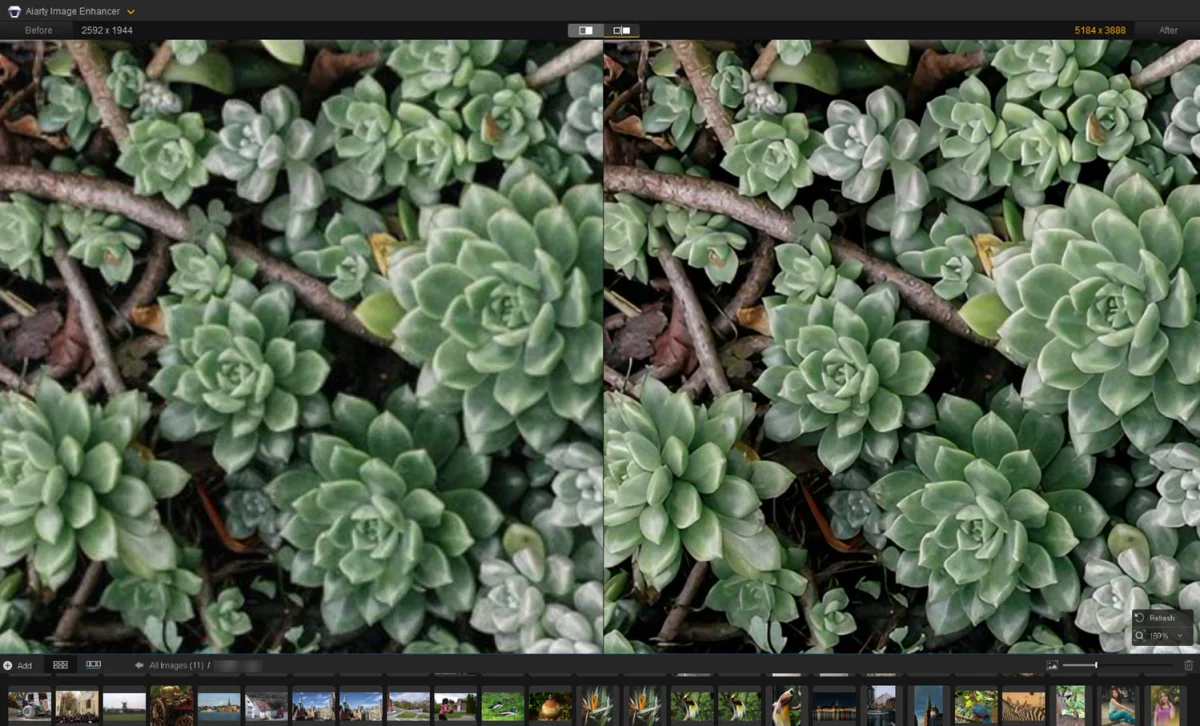
Another vital scenario is processing soft RAW files. Aiarty supports enhancements to achieve sharp clarity with the right adjustments. For example, for a succulent image lacking detail, utilizing the “More-Detail” model alongside exposure and contrast tweaks produces clean results.
Evaluating Various Photo Sharpening Software
Choosing the right sharpening tool depends on file types you work with, your level of expertise, and desired output quality. Below, we outline some of the best options available:
| Software | AI Models | Batch Processing | Pricing |
| Topaz Photo | AI-based suggestions | Yes | Subscription-based |
| Aiarty Image Enhancer | 3 AI models | Yes | $99 Lifetime for 3 PCs/Macs |
| Lightroom | Latest AI enhancements | Yes | Subscription-based |
| DxO PureRaw 6 | DeepPRIME models | Yes | $139.99 License |
| Picsart | Auto-enhancement | No | Subscription-based |
| GIMP | N/A | No | Free, Open Source |
Topaz Photo: Subscription-Based Enhancements
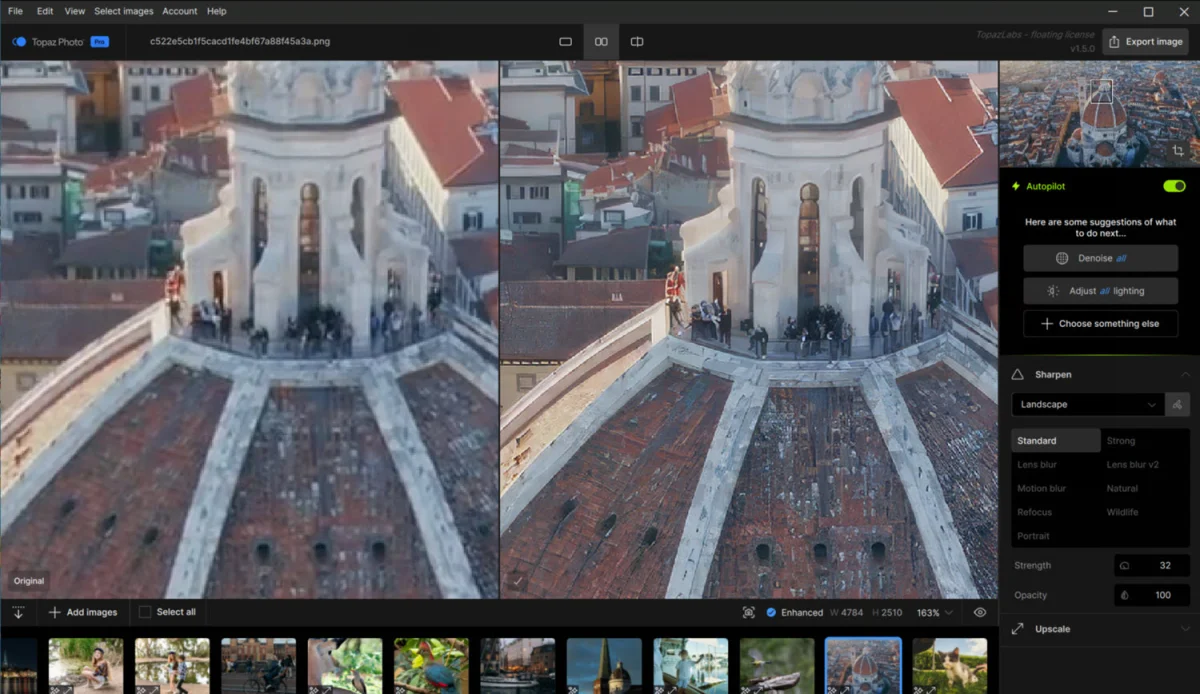
This tool provides AI models and autopilot features to identify and rectify blur. Users can interactively select enhancements for specific attributes like denoising and sharpening. Pricing is set at $39/month for personal use.
Lightroom: A Comprehensive Workflow Tool
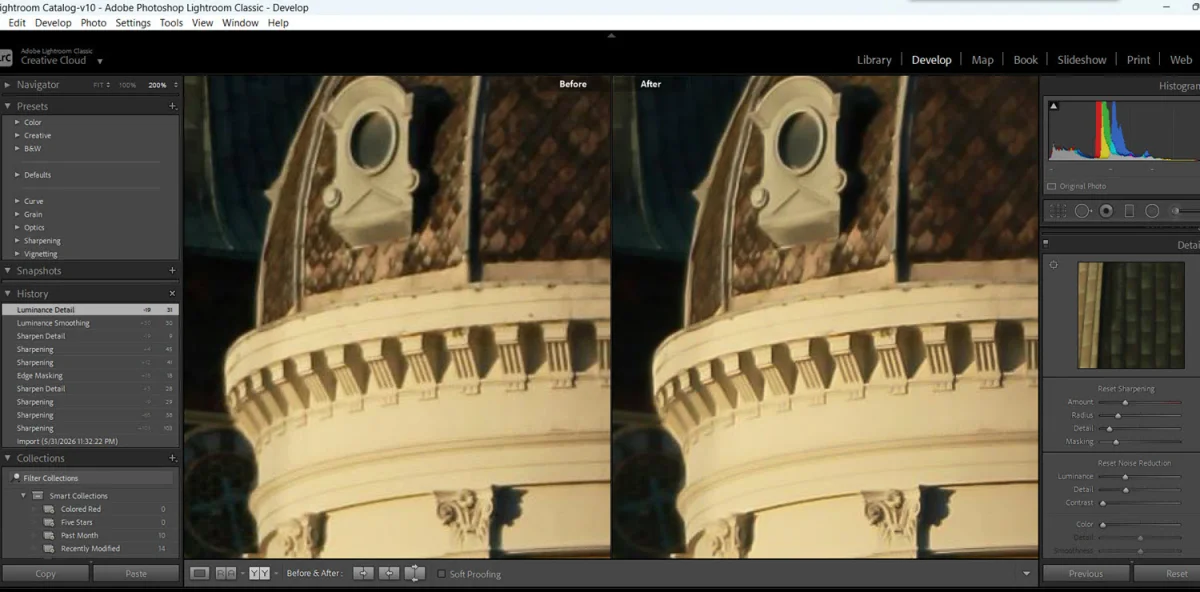
As part of Adobe's ecosystem, Lightroom excels in smoothing out the workflow for photographers—from culling to editing. Its advanced features allow for targeted sharpening, and users can create masks to control sharpening applications directly.
DxO PureRaw 6: Batch Processing for RAW Images
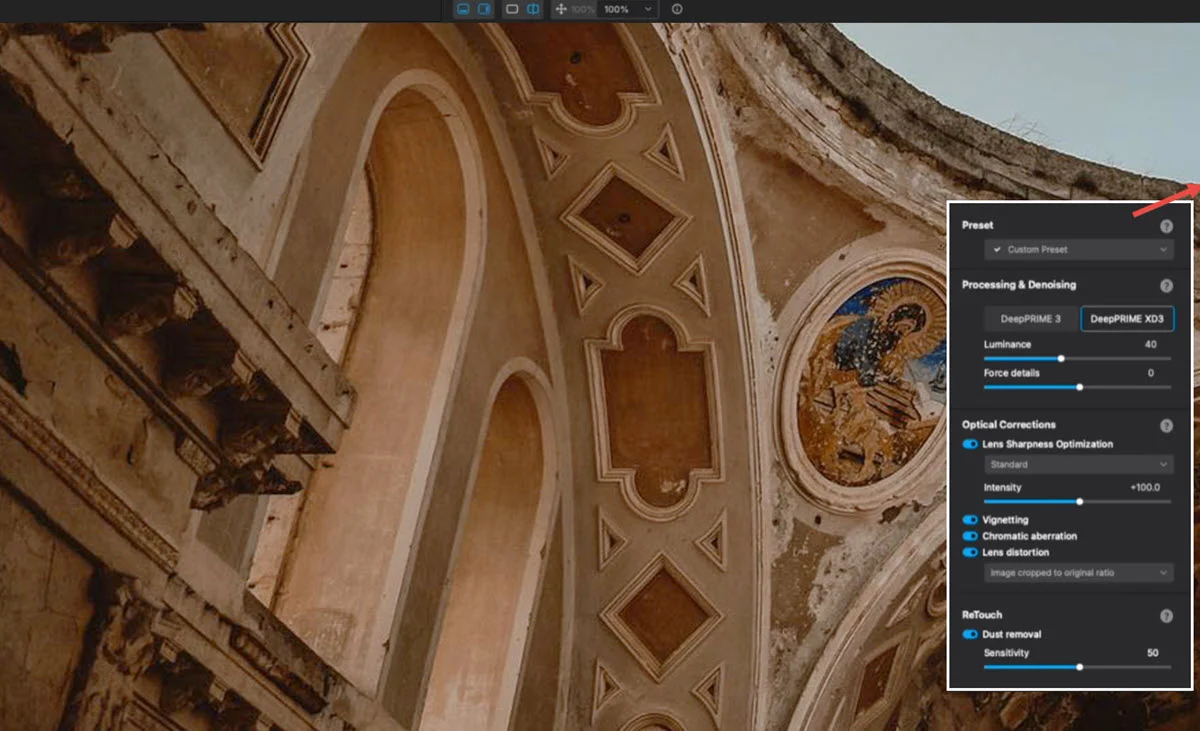
DxO’s software assists in batch processing of RAW files, improving contrast and sharpness through its database of lens profiles and camera modules. Its pricing sits around $139.99, emphasizing its specialized focus.
Picsart: Quick Enhancements for Casual Use
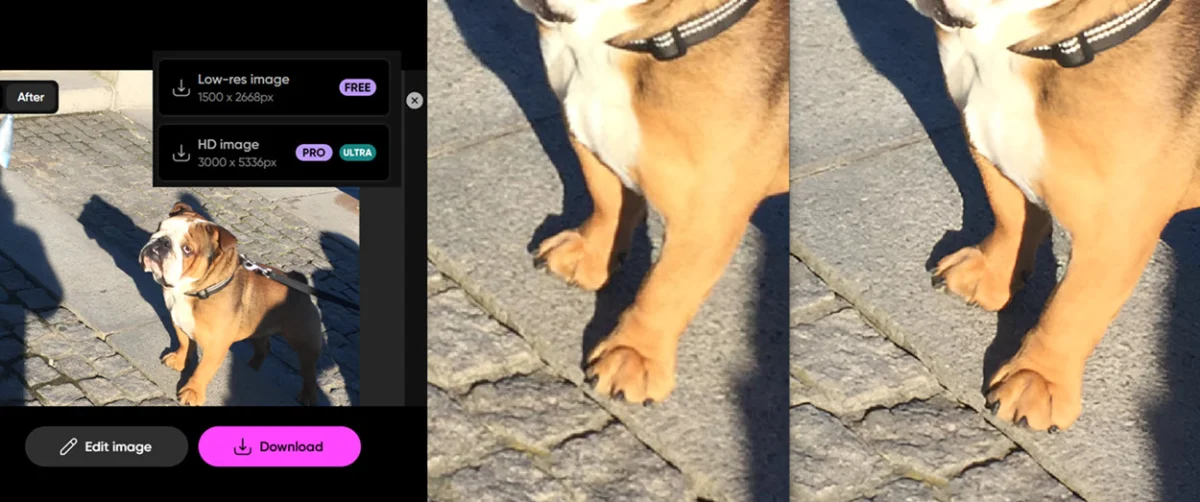
Picsart’s online capabilities focus on automatic corrections for rapid fixes, perfect for quick edits by content creators or casual photographers. Starting at $15/month, it provides an easy-to-use solution for less demanding tasks.
GIMP: Free and Open-Source Option
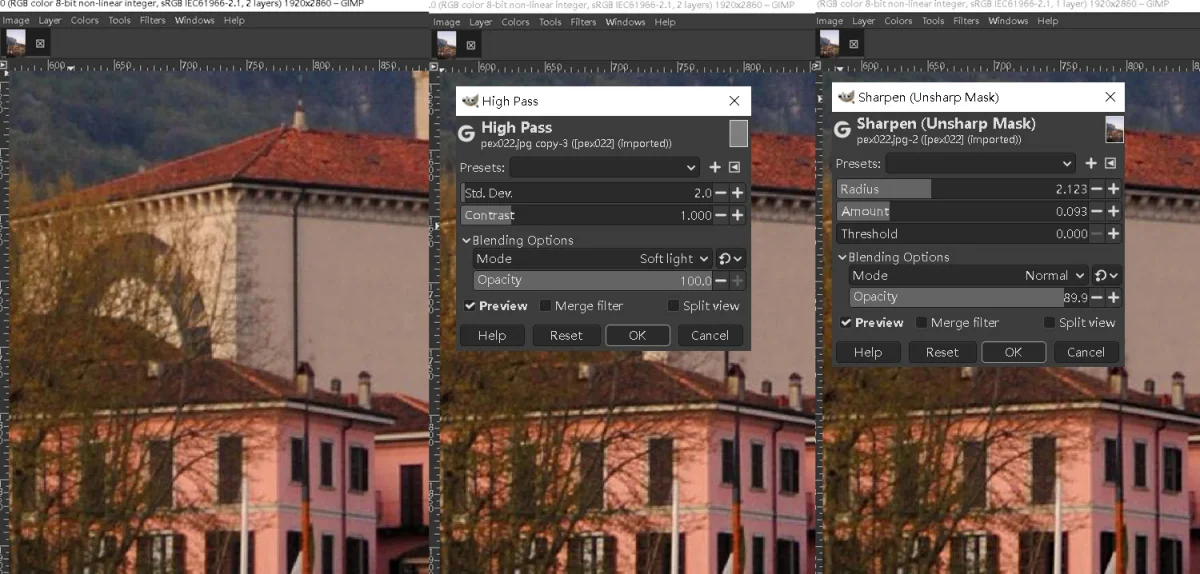
GIMP supplies traditional sharpening tools such as unsharp masks and high pass filters, providing manual options without the cost. While not AI-driven, it's a reliable solution for various editing needs.
Final Thoughts
Instead of asserting a clear winner among photo sharpening software, it’s critical to evaluate each tool according to your particular needs. For professional photographers handling RAW files, Aiarty Image Enhancer and Topaz Photo are excellent for dedicated tasks, while Lightroom provides a comprehensive editing ecosystem. Meanwhile, GIMP offers a solid free alternative for those seeking basic enhancements. Casual users may find efficiency and ease in using Picsart for swift adjustments. Ultimately, understanding your goals and how each software aligns with them will enhance your image editing workflow, leading to outstanding visual results.